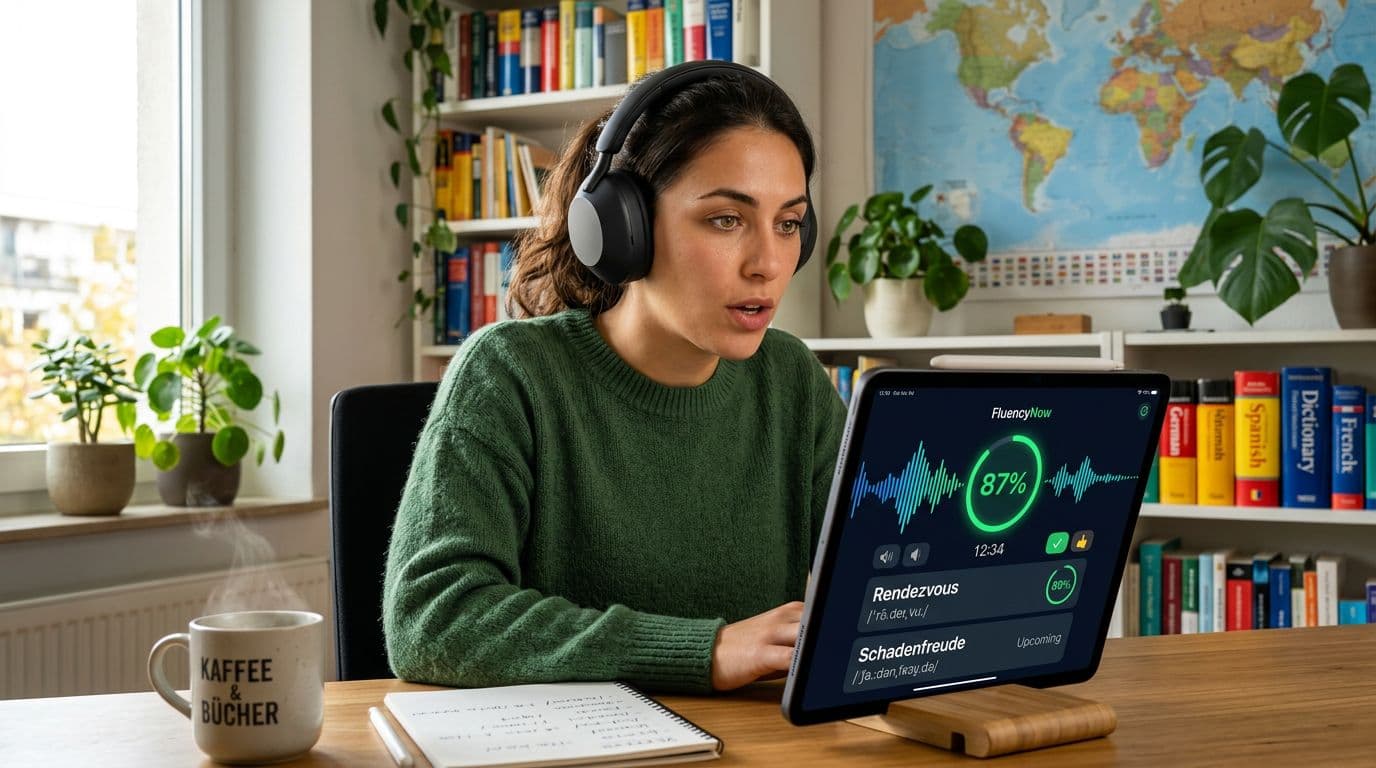
If an app tells you “Try again” after you speak, is that real coaching or just a coin flip? Many learners can’t tell, because pronunciation feedback is easy to show and hard to trust.
This pronunciation feedback test is a quick, repeatable way to judge feedback quality in about 15 minutes. It works for ASR-based speaking tasks, “AI coach” features, and any app that claims to help you sound clearer.
You’ll run a fixed script, log what the app says, then score the feedback for usefulness, not hype.
What this test can measure in 15 minutes (and what it can’t)
Understanding the Pronunciation Feedback Test
This test measures observable behavior. That’s the key. You’re not trying to prove how an app’s model works. You’re checking whether the app gives feedback you can act on, consistently, under fair conditions.
In a short session, you can measure:
- Consistency: Do you get the same result when you repeat the same line three times?
- Specificity: Does it name the problem (sound, stress, missing word), or just mark wrong?
- Actionability: Does it tell you what to change next, in plain language?
- Coverage: Does it handle single sounds, word stress, and sentence rhythm, or only one?
- Error type handling: Can it tell “wrong sound” from “missing word” or “extra word”?
In 15 minutes, you can’t fully measure long-term learning impact. You also can’t fairly judge accent bias across many speakers with one person. Still, you can spot common ASR limits, like trouble with background noise, unusual words, or fast connected speech. Research on ASR for pronunciation practice often reports mixed accuracy depending on task design and learner variation, which is why a controlled script helps. A useful starting point for context is this systematic review of ASR in EFL pronunciation research.
For tighter control over mic and setup variables, pair this routine with LanguaVibe’s speech recognition accuracy test for language apps.
If you change the room, mic, and script at the same time, your “results” become a story, not a test.
The 15-minute test script (setup, prompts, and minimal pairs)
Set a timer for 15 minutes. Keep conditions stable so the app, not the environment, gets tested.
Minute 0 to 3: Setup checklist (don’t skip)
Use the same setup each time you test an app:
- Sit in the same quiet spot, close doors, mute notifications.
- Hold the phone 6 to 10 inches away, slightly off-center from your mouth.
- Turn off Bluetooth headsets for the first run (some switch mic quality).
- Use the app’s speaking feature that claims to give pronunciation feedback.
- Decide your target variety (for example, general American English), then stay consistent.
Minute 3 to 12: Speak the script (12 phrases)
Say each line three times. Keep your pace natural. Pause one second before and after each line.
Use this exact set (or translate it into your target language while keeping the structure). It’s built to surface vowels, consonants, endings, stress, and rhythm.
Here’s a copy/paste-friendly script table:
| # | Category | Prompt or phrase to say |
|---|---|---|
| 1 | Final consonants | “I need the last bus.” |
| 2 | Past tense endings | “We walked home yesterday.” |
| 3 | /r/ clarity | “The red car is right there.” |
| 4 | /l/ clarity | “I really like little details.” |
| 5 | TH sound | “I think that’s the third time.” |
| 6 | Vowel length | “Leave it on the shelf.” |
| 7 | Word stress | “I took a photograph.” |
| 8 | Sentence stress | “I said today, not tomorrow.” |
| 9 | Connected speech | “Can you send it to me?” |
| 10 | Question intonation | “You’re coming with us?” |
| 11 | Numbers and clarity | “I paid fifteen, not fifty.” |
| 12 | Short spontaneous line | “I’m late because the train stopped.” |
Minute 12 to 15: Minimal pairs (3 sets)
Minimal pairs are the quickest way to reveal “close enough” scoring and common confusions.
Say each word clearly, then put each into a short sentence (example: “I said ship.” “I said sheep.”).
| Set | Contrast | Minimal pairs |
|---|---|---|
| A | vowel length | ship / sheep |
| B | voicing | fan / van |
| C | place of articulation | thin / sin |
If the app only accepts full sentences, embed them: “It’s a ship.” “It’s a sheep.”
Want a deeper explanation of how ASR works and where it tends to fail (without blaming any one app)? This overview is a helpful read: Automated Speech Recognition in language learning (PDF).
Score the feedback: copy/paste scorecard plus “what good looks like”
After the run, score what the app did, not what you hoped it did. A “correct” checkmark can still be bad feedback if it doesn’t teach you anything.
Pronunciation feedback quality scorecard (template)
Copy this table into Notes, Notion, or Google Sheets.
| Category (0 to 2) | What you’re looking for | What “good feedback” looks like (2) | Score | Notes (paste app message or screenshot summary) |
|---|---|---|---|---|
| Specificity | Does it name the issue? | “Your /θ/ in ‘third’ sounds like /s/” | ||
| Action step | Does it tell you what to do next? | “Put tongue between teeth, blow air, then voice for ‘this'” | ||
| Granularity | Sound, syllable, word, or just whole sentence? | Highlights the exact syllable or phoneme, not only “wrong” | ||
| Prosody | Stress, rhythm, intonation | Marks word stress, shows pitch or timing cue you can copy | ||
| Replay support | Can you hear a model? | Clear native audio, plus slow option or segment replay | ||
| Retry loop | Does it guide a second attempt? | Prompts a focused re-try, then confirms improvement | ||
| Consistency | Same input, same result? | Similar scoring across 3 repeats, small variance only | ||
| Error type | Wrong sound vs missing word | Distinguishes “missing -ed” from “wrong vowel” | ||
| Transparency | Does it show what it heard? | Shows transcript or phoneme hint without confusing you | ||
| Friction | Does feedback interrupt flow? | Fast enough to keep pace, no long waits |
Scoring tip: 0 = absent, 1 = present but vague, 2 = clear and useful.
The best feedback feels like a coach. The worst feels like a locked door.
How to compare two apps side-by-side (same script, same conditions)
To compare App A vs App B, run the test twice back-to-back:
- Same room, same device, same distance.
- Same script order, same pace, three repeats per line.
- Screenshot or write down the exact feedback text.
Then use a short comparison grid:
| Item | App A | App B |
|---|---|---|
| Total score (out of 20) | ||
| Biggest strength | ||
| Most confusing feedback | ||
| Minimal pairs: did it separate ship/sheep? | ||
| Would you know what to practice tomorrow? |
If you also review whether an app forces real speaking (not just optional mic taps), stack this with LanguaVibe’s language app output test for speaking. An app can have good feedback but still hide speaking behind two menus.
For a real-world example of how pronunciation-focused apps position features differently, this comparison can help you spot what to look for in product claims versus test results: ELSA Speak vs Stimuler comparison.
Conclusion
A strong pronunciation feedback test doesn’t need lab gear or perfect phonetics knowledge. It needs a fixed script, stable conditions, and a scorecard that rewards feedback you can use tomorrow. Run this once, then repeat it whenever an app updates its speaking feature. You’ll stop guessing, and you’ll start choosing tools that actually help you speak more clearly.
Ready to Take Your Language Learning Further?
Your favorite language-learning app is a great place to start. Rocket Languages can help you go further with interactive audio lessons, pronunciation practice, real-world conversations, and structured learning.
Explore Rocket Languages →Affiliate disclosure: We may earn a commission if you purchase through this link, at no additional cost to you.
