If you’ve ever been mid-sentence, building a new grammar pattern, and then got hit with a full-screen video, you already know the problem. Language app ads don’t just cost time, they break the mental thread you need for recall.
As of February 2026, most “best app” roundups still don’t report ad frequency in a measurable way, and user experiences vary by region, device, and experiment group. So the fastest way to decide is to run a repeatable test and score what happens.
This guide gives you a 10-minute script, a severity formula, and clear thresholds for when free is no longer a fair trade.
Run the 10-minute ad-interruption test (the timer script)
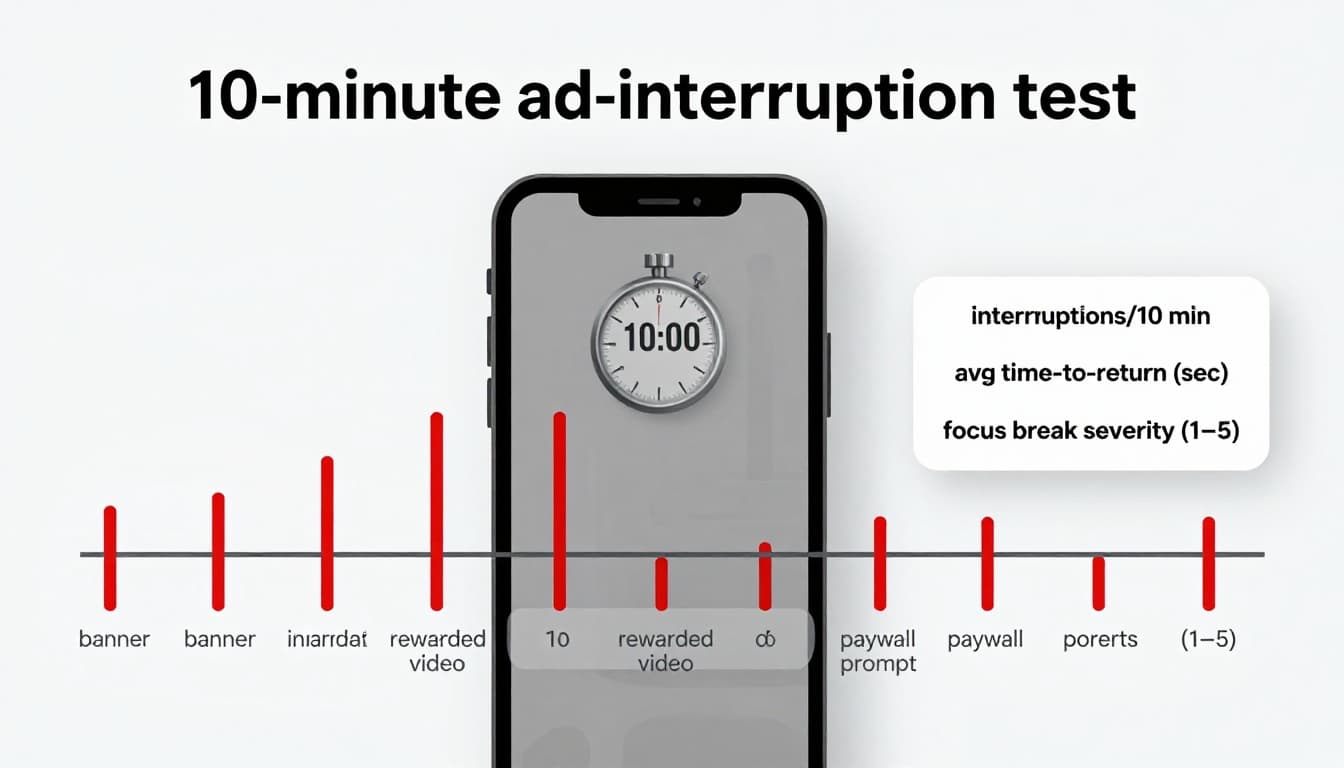
Before you start, control the “noise”
Keep this part short, because the goal is consistency across apps.
- Use the same device for every app test.
- Use Wi-Fi (or the same cellular connection each time).
- Turn on Do Not Disturb or Focus mode for 10 minutes.
- Close other apps, because background notifications mimic ad interruptions.
- Pick one lesson type you can repeat, like “Review,” “Basics,” or a short quiz.
Also, decide what you’re timing. You’ll record two things: interruptions and time-to-resume (how long it takes to get back to learning after the interruption appears).
Ads vs non-ad interruptions (track them separately)
Not every focus break is an ad. If you mix them together, you won’t know what you’re paying to remove.
Count as ads:
- Banner ads (small, persistent, often at the bottom)
- Interstitials (full-screen ads between screens)
- Rewarded videos (watch to earn hearts, energy, extra time, double points)
- Sponsored tiles or “promoted” placements that interrupt flow
Count as non-ad interruptions:
- Streak prompts (save streak, extend streak, freeze streak)
- Upsells (subscribe screens, limited-time discounts, paywall nudges)
- Rate us popups, surveys, referral prompts
- Reminder prompts that appear inside the session (not push notifications)
Step-by-step: the 10 minutes
Use a timer and a notes app. Start when the first question appears.
- Minute 0 to 2 (Warm start): Answer normally. Don’t rush, but don’t pause on purpose.
- Minute 2 to 8 (Steady pace): Keep going through exercises or review items. Each time something interrupts you, log it:
- Type (banner, interstitial, rewarded, paywall prompt, streak prompt, upsell)
- Whether it covered the screen
- Minute 8 to 10 (Resume timing): For every interruption in the last 2 minutes, time:
- Seconds from “interruption appears” to “next learning item loads”
- Include forced waits, close buttons, and extra taps
A good free app might show ads, but still let you return fast. A bad one turns a 10-minute session into stop-and-go traffic.
Score it: a simple severity formula (plus a sample scorecard)
The severity scoring formula
Use this to convert “annoying” into a number you can compare.
Ad Severity Score =
(banners × 1) + (interstitials × 3) + (rewarded videos × 4) + (paywall prompts × 2) + (average time-to-resume in seconds ÷ 3) + focus break rating
For focus break rating, choose 1 to 5:
- 1 = barely noticed
- 3 = lost your place once
- 5 = repeatedly forgot what you were doing
A useful rule: if you can’t restate the last sentence you practiced after an interruption, it was a real focus break.
Sample filled-in scorecard (10 minutes)
This is what “real notes” can look like, not a perfect lab report.
| Metric | Value | Notes |
|---|---|---|
| Banners | 2 | Persistent, didn’t block taps |
| Interstitials | 2 | Full-screen after finishing exercises |
| Rewarded videos | 1 | Offered to earn an in-app perk |
| Paywall prompts | 1 | “Try premium” screen on exit |
| Avg time-to-resume (sec) | 9 | One ad had a short wait |
| Focus break rating (1 to 5) | 4 | Lost momentum twice |
| Ad Severity Score | (2×1)+(2×3)+(1×4)+(1×2)+(9÷3)+4 = 21 | Borderline “too disruptive” |
Quick interpretation (use the same cutoffs each time)
- 0 to 10: manageable, free plan is usable
- 11 to 20: friction is real, consider settings changes or paid tier
- 21+: ads are driving the session, not you
If you also want to check whether the app uses your limited attention well, pair this with LanguaVibe’s 10-minute output test for language apps so you’re not tolerating interruptions for tap-only practice.
Compare multiple apps fast: one-page checklist you can reuse
To compare fairly, run the same test twice per app on different days. Then use this checklist to spot patterns that numbers miss.
| Checkpoint | Pass if… | Red flag if… |
|---|---|---|
| Full-screen interruptions | 0 to 1 per 10 minutes | 3 or more per 10 minutes |
| Forced waiting | No unskippable wait | You sit through countdowns |
| Time-to-resume | Under 6 seconds average | Over 10 seconds average |
| Audio disruption | Audio continues or returns cleanly | Listening resets or stops |
| “Rewarded” traps | Optional and rare | Frequent, blocks normal flow |
| Upsell pressure (non-ad) | Shows once, easy to dismiss | Repeats, interrupts learning |
For broader app context, compare your shortlist against PCMag’s best language learning apps for 2026, then let your score decide which free plan is actually usable for you.
Reduce language app ads and other interruptions (and know when it’s not worth it)
Mitigation tips that usually help in 5 minutes
You can’t remove all language app ads without paying in many apps, but you can often reduce how often they break focus.
- Disable notifications for the app (or use Focus mode). This cuts non-ad interruptions that feel like ads.
- Download offline lessons where available. Offline sessions often reduce ad refresh and loading delays.
- Limit background data for the app if your phone allows it, because some apps prefetch ad content in the background.
- Review ad personalization and privacy settings in both the app and your device. Less tracking does not guarantee fewer ads, but it can reduce targeted ad behavior.
- Avoid “rewarded” traps by default. If the app keeps offering perks for watching videos, treat that as a sign the free tier is built around ad views.
- Prefer shorter sessions (2×5 minutes). Many apps trigger interstitials at natural breakpoints, so you may hit fewer of them.
When you’re weighing whether to upgrade, LanguaVibe’s language app free vs paid checklist helps you check if paying removes the real blockers, not just the most visible ads.
When it’s not worth it (clear thresholds)
Stop trying to “get used to it” when the numbers say it’s harming learning.
It’s usually not worth staying on the free tier if any of these are true:
- 3 or more full-screen interruptions per 10 minutes, even after you disable notifications.
- Average time-to-resume above 10 seconds.
- Ad Severity Score of 21+ on two separate days.
- Ads interrupt speaking or listening, forcing replays or breaking audio.
At that point, you have better options:
- Paid tier: Often removes ads and reduces upsell screens, but verify during a trial.
- Ad-free app choices: Use a curated list like language learning apps without ads to find candidates, then still run your test.
- Different style of tool: Flashcards and offline-first practice can be calmer than lesson feeds.
- Library resources: Many libraries offer digital learning access, so you can study without constant monetization pressure.
- Switch away from the most ad-driven model: If you mainly want a habit builder, compare approaches using roundups like Duolingo alternatives in 2026, then choose based on your scorecard, not hype.
Conclusion
Focus is fragile, and language app ads test it the way a loud TV tests a quiet conversation. Run the 10-minute test, score it, then repeat once on a different day. If interruptions stay high, don’t bargain with your attention, upgrade, switch, or use a calmer tool. Your best app is the one that lets you practice without constantly pulling you out of the sentence.

